Why bots keep hitting your website for PHP files, and how to protect it
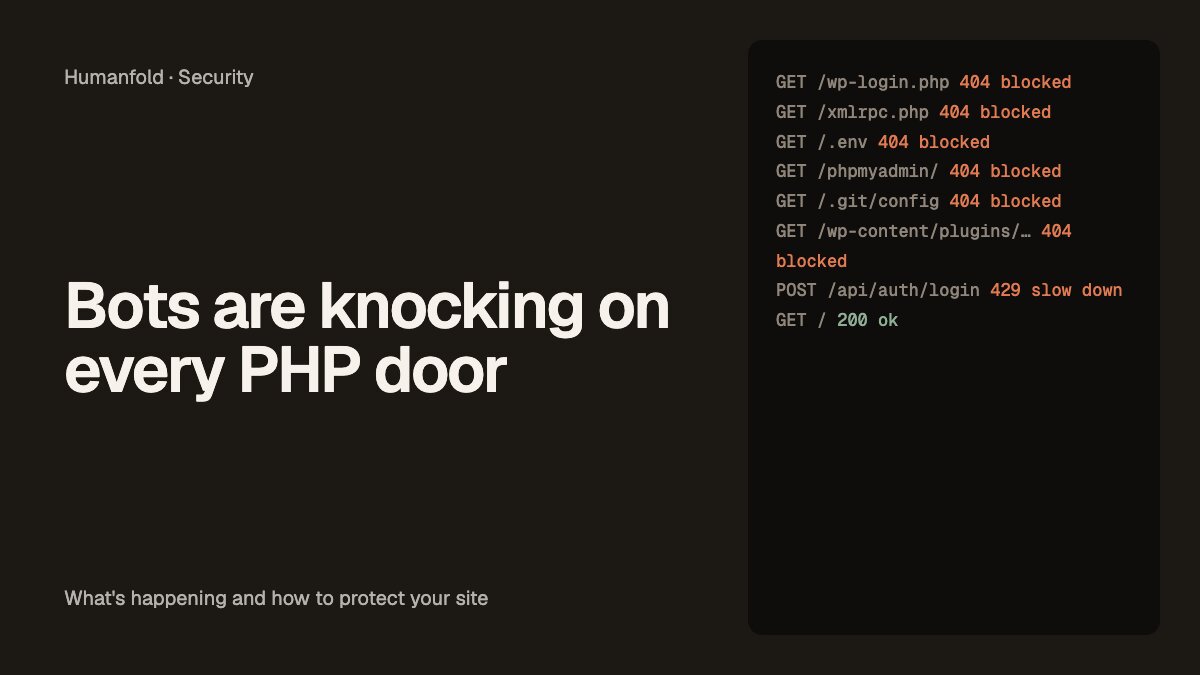
Every business website gets scanned around the clock by bots hunting for WordPress plugins, PHP files and leaked passwords. October brought several real attacks. Here is what's happening and the short list of things that actually protect you.
What the bots are looking for
Open the logs of almost any website and you'll see requests for pages that don't exist: /wp-login.php, /xmlrpc.php, /.env, /phpmyadmin, /.git/config. Nobody typed those. They come from automated scanners that try the same few hundred paths on every site on the internet, looking for one of three things: an old WordPress plugin with a known hole, a file that leaks a password, or a login page they can guess their way into.
It isn't personal. Your site isn't being targeted because someone cares about your business. It's being tried because it's on the internet, and trying costs the attacker almost nothing.
What actually happened this month
- Bricksforge, a WordPress plugin, had a critical flaw that let anyone run their own PHP code on a site without logging in. Attacks started on October 7. The fix is version 3.1.8.10.
- Rank Math PRO, a popular SEO plugin, was hit by a supply-chain attack: copies downloaded on October 15 and 16 contained malicious code that can recreate a hidden backdoor. The clean version is 3.0.124.
- UpdraftCentral keys were stolen and abused on October 18 and 19, with no patch available. The advice is to delete the keys.
- Researchers also documented a WordPress backdoor that rebuilds itself after cleanup by hiding in files, the database and shared memory.
Notice the pattern. None of these were the website's own code. Every one came through a plugin or an add-on the owner installed and then forgot about.
Why it's getting worse
The same AI tools that help us build software help attackers read it. Finding a weak plugin, writing the exploit and trying it on thousands of sites used to take weeks. Now it can happen within hours of a flaw going public. The window between 'a fix exists' and 'my site got hit' keeps shrinking.
What to do this week if you run WordPress
- Delete every plugin and theme you don't actively use. Deactivated still counts as installed.
- Update everything that's left, and turn on automatic updates for plugins.
- Check this month's list: Bricksforge, Rank Math PRO and UpdraftCentral. If you have them, follow the fixes above.
- Turn on two-factor login for every admin account, and remove admin access from anyone who doesn't need it.
- Put the site behind a firewall such as Cloudflare, and block the paths you never use, like xmlrpc.php.
- Make sure you have backups stored somewhere other than the website itself, and test restoring one.
The bigger fix: have less to attack
Most small business websites don't need a database, a login page or forty plugins. They need fast pages that load anywhere and a form that sends leads to the right place. When we build client sites, we publish them as plain static pages served from Cloudflare. There's no PHP and no WordPress admin, so every one of those scans hits a wall.
For the apps we build, like the field and office app we run for a Utah roofing company, we go one step further. Any request for a .php, .env, .git or WordPress path is turned away before it touches the app. The sign-in page allows 10 tries a minute from one address, and an account locks after 10 wrong passwords. Every page also sends security headers that stop it from being wrapped inside a fake site.
- Fewer moving parts: static pages instead of plugins.
- Block what you'll never serve, at the front door.
- Rate-limit and lock logins.
- Keep your data in your own accounts, with backups you can restore.